Gemini Nano in Google Chrome: Controversy Explained — What Local Businesses Must Know

Cerme
CEO & Local SEO Expert
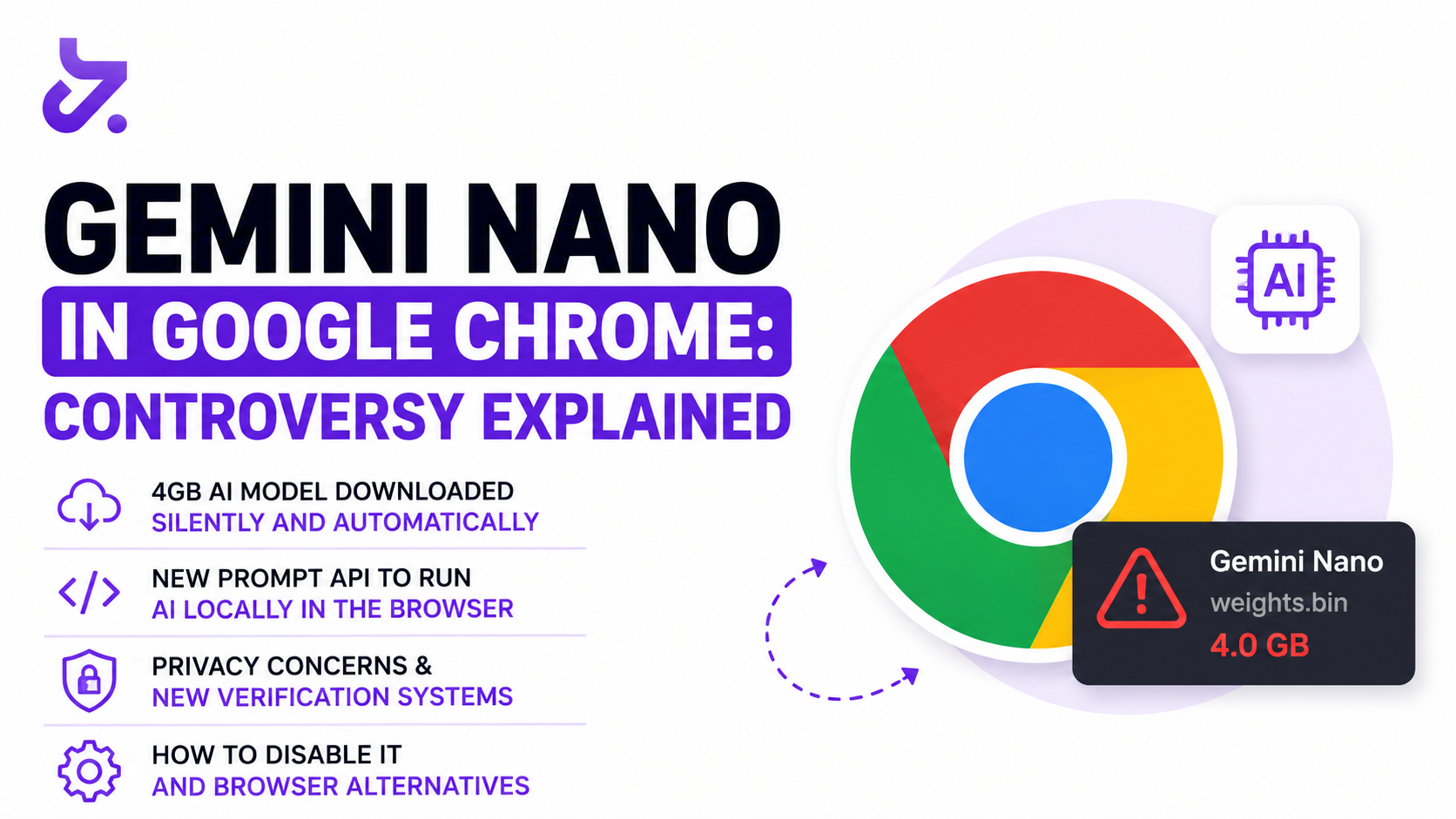
In late April 2026, something happened on your potential customers' computers — quietly, without any notification or consent. Google Chrome downloaded a 4-gigabyte artificial intelligence model called Gemini Nano onto hundreds of millions of devices worldwide. No pop-up. No "do you agree?" No option to decline beforehand.
If your potential customers use Chrome — and roughly 75% of web users do — this AI model is now running on their devices every time they open their browser. For HVAC companies, garage door repair shops, locksmiths, plumbers, and landscapers trying to capture leads through local search, this matters more than it might seem at first glance.
This post breaks down exactly what happened, why Google did it, and what it means for your local SEO strategy going into the rest of 2026.
What Is Happening
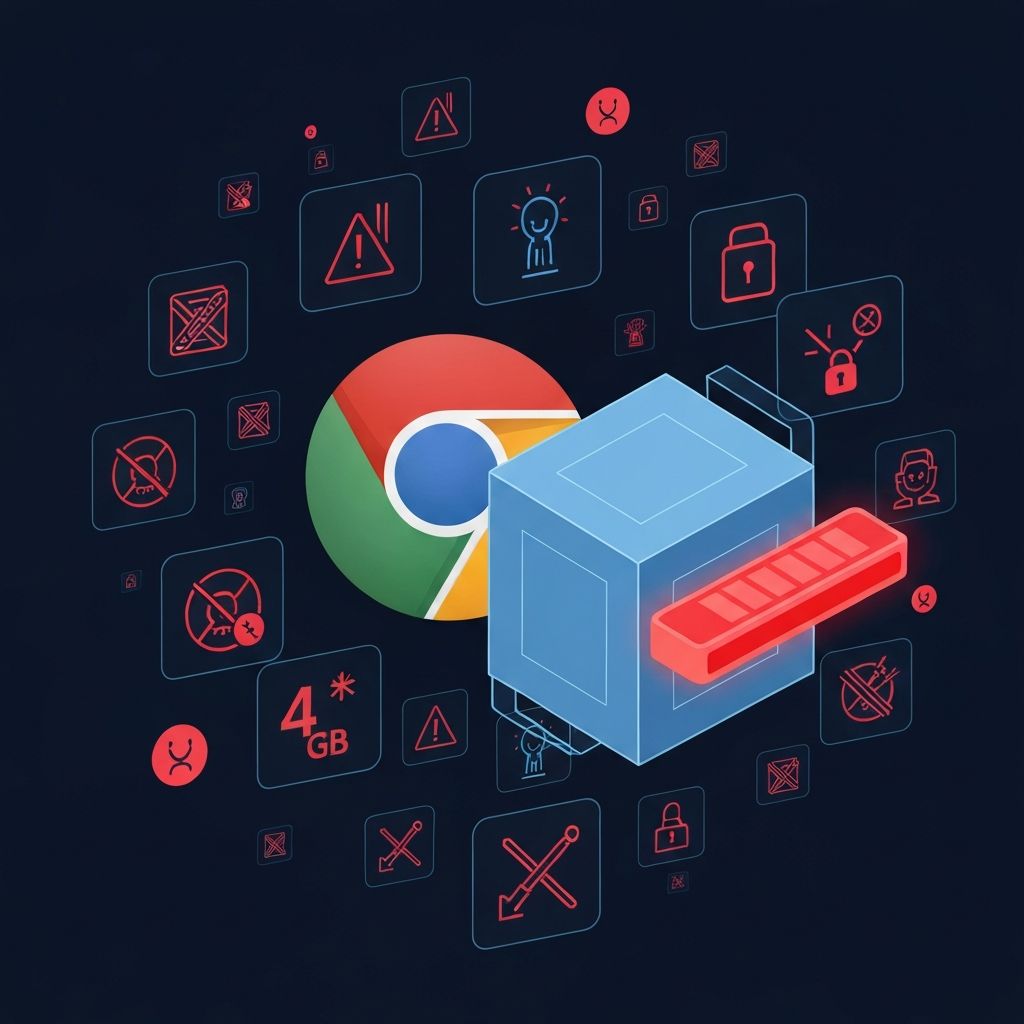
Between April 20–29, 2026, Google Chrome began automatically downloading a 4GB file called weights.bin to the devices of eligible users — those with computers powerful enough to run the model locally. The file sits in a folder called OptGuideOnDeviceModel inside Chrome's user data directory.
The model is Gemini Nano, Google's smallest on-device large language model, and Chrome uses it to power features like:
- "Help me write" — AI-assisted text generation in web forms
- On-device scam detection — Chrome scanning web pages locally for phishing patterns
- In-browser AI summaries — summarizing page content without sending data to Google's servers
The controversy: none of this was announced to end users. Researcher Alexander Hanff (known online as "ThatPrivacyGuy") was the first to document the behavior publicly on May 6, 2026. His finding: if you find the file and delete it, Chrome simply downloads it again. His summary of the issue was blunt: "Your device is yours. The storage is yours. The bandwidth is yours. And the electricity bill is yours."
You can check whether the model is installed on your own machine by visiting chrome://device-internals in Chrome and looking at the Model Status section.
Alongside Gemini Nano, Google has introduced the Chrome Prompt API — a JavaScript interface available as window.LanguageModel starting in Chrome 138 — that lets web developers run text generation directly in the user's browser using the local model, with no server infrastructure and no user data leaving the device.
Google also launched Cloud Fraud Defense on April 22, 2026, as a replacement for traditional reCAPTCHA. Instead of image puzzles, it asks users to scan a QR code using an Android phone with Google Play Services active. Users running privacy-focused Android systems like GrapheneOS or CalyxOS — which intentionally remove Google Play Services — are locked out entirely.
Feature Comparison
| Feature | What it does | User consent? |
|---|---|---|
| Gemini Nano download | 4GB AI model installed locally | No |
| Chrome Prompt API | JS access to local LLM for developers | No opt-in required |
| Cloud Fraud Defense | QR-code reCAPTCHA requiring Google Play Services | No alternative offered |
| Web Environment Integrity (2023) | Browser/device verification system | Abandoned after backlash |
Who Is Being Affected
At this stage, the download targets desktop Chrome users whose devices meet minimum hardware requirements for running Gemini Nano locally — generally, newer PCs and Macs with sufficient RAM and GPU capability. This covers an enormous share of web users:
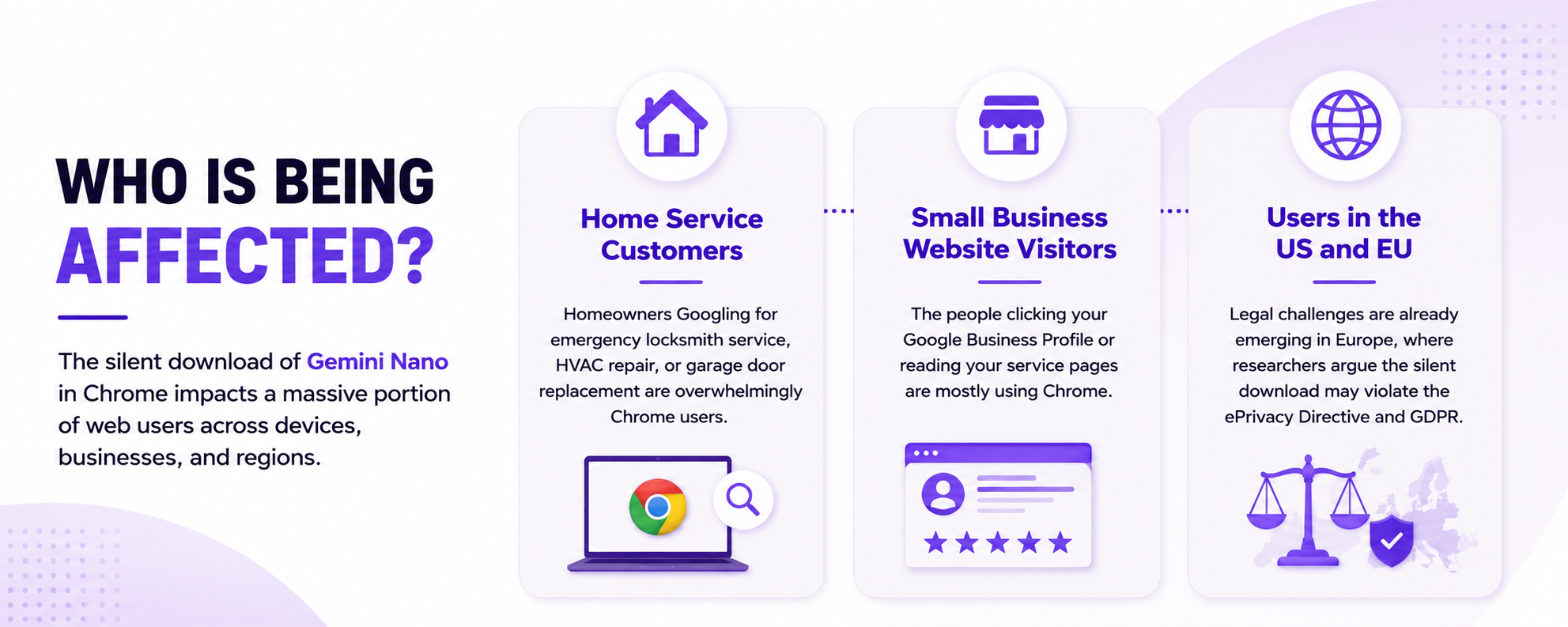
- Home service customers — homeowners Googling for emergency locksmith service, HVAC repair, or garage door replacement are overwhelmingly Chrome users
- Small business website visitors — the people clicking your Google Business Profile or reading your service pages
- Users in the US and EU — legal challenges are already emerging in Europe, where researchers argue the silent download may violate the ePrivacy Directive and GDPR
Users of Brave browser (which is built on the same Chromium codebase as Chrome) are not affected — Brave has confirmed it does not include or distribute Gemini Nano. Firefox and Safari users are also unaffected.
For home services businesses specifically: your customers are overwhelmingly mainstream Chrome users on Windows. This rollout hit your audience directly.
Why Google Is Doing This
Google's stated rationale: on-device AI processing keeps user data local. Running AI locally means browsing patterns and typed text don't leave the device for basic AI features to work — a genuine privacy benefit compared to cloud-based alternatives.
But the longer strategic picture is harder to ignore. With approximately 75% browser market share globally, when Chrome ships a feature to all eligible users — without waiting for web standards bodies or other browser makers to agree — Google effectively sets a unilateral standard for how the web works.
The Prompt API illustrates this dynamic clearly. Mozilla has expressed opposition. WebKit (Apple's Safari engine) has expressed opposition. Microsoft has raised concerns. The W3C Technical Architecture Group has raised concerns. Chrome shipped anyway.
This is a pattern with precedent. In 2023, Google proposed Web Environment Integrity — a system that would have allowed websites to verify that browsers hadn't been tampered with, effectively locking out ad blockers, privacy tools, and non-Google-approved configurations. The proposal was shelved after massive developer backlash. But the instinct behind it — using Chrome's market dominance to reshape what the web allows — remains active.
What This Means for Your Business
Here is where this story connects directly to how you generate leads from local search.
AI-assisted browsing changes click behavior. When Gemini Nano powers in-browser summaries, a potential customer may get an AI-generated summary of your service page — what you do, your location, your hours — without ever scrolling through it or clicking deeper. Lower engagement signals could eventually affect how search engines weigh your content's value.
The Prompt API is a new competitive surface. Developers can now build websites that use AI locally in the browser with zero server costs and near-zero latency. This means competitors could build AI-powered quote estimators, diagnostic tools, or instant chatbots that run entirely on the customer's device.
AI summarization rewards structural clarity. 2026 research shows that pages ranking in Google's top 10 are 3x more likely to be cited in Gemini AI responses compared to pages beyond position 20. Pages with clear headers, short paragraphs, bulleted service lists, FAQ sections, and precise service area and hours information are far more likely to be accurately summarized.
Local SEO is increasingly multi-platform. As of April 2026, a growing share of consumers discover local home service businesses through AI assistants, Instagram, and Nextdoor before they ever open Google Maps. Chrome's on-device AI accelerates this trend.
What You Should NOT Do
- Don't dismiss this as a "tech story" that doesn't affect small businesses. Browser-level AI changes how your website content is consumed.
- Don't assume your Google Business Profile alone protects your visibility. On-device AI summarization may reduce direct website traffic even when your GBP stays strong.
- Don't use vague or thin content on service pages. AI models summarize ambiguous content poorly — or skip it.
- Don't skip structured data (schema markup). LocalBusiness, Service, and FAQ schema directly help AI systems understand your business.
- Don't panic and make dramatic site changes overnight. The fundamentals of local SEO haven't changed.
Recovery Action Plan
If you're concerned about how browser-level AI affects your local business visibility, here's a practical audit to run right now:
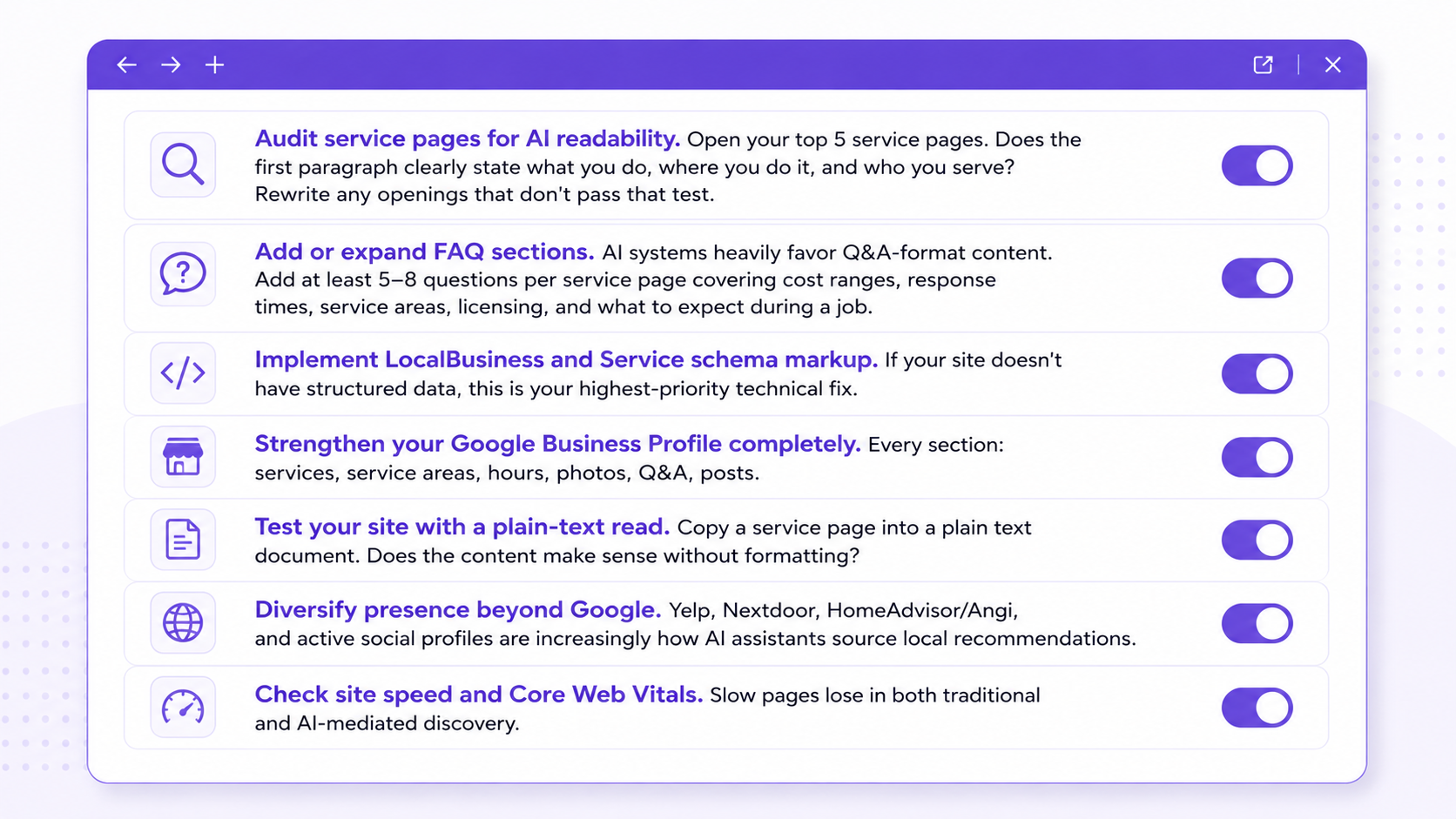
- Audit service pages for AI readability. Open your top 5 service pages. Does the first paragraph clearly state what you do, where you do it, and who you serve? Rewrite any openings that don't pass that test.
- Add or expand FAQ sections. AI systems heavily favor Q&A-format content. Add at least 5–8 questions per service page covering cost ranges, response times, service areas, licensing, and what to expect during a job.
- Implement LocalBusiness and Service schema markup. If your site doesn't have structured data, this is your highest-priority technical fix.
- Strengthen your Google Business Profile completely. Every section: services, service areas, hours, photos, Q&A, posts.
- Test your site with a plain-text read. Copy a service page into a plain text document. Does the content make sense without formatting?
- Diversify presence beyond Google. Yelp, Nextdoor, HomeAdvisor/Angi, and active social profiles are increasingly how AI assistants source local recommendations.
- Check site speed and Core Web Vitals. Slow pages lose in both traditional and AI-mediated discovery.
How to Disable Gemini Nano in Chrome
If you want to disable Gemini Nano on your own device:
- Go to
chrome://settings/aiand toggle off the AI features listed there, including "Help me write." - For more complete control, visit
chrome://flags, search for "optimization-guide-on-device," and disable the relevant flags. - You can then manually delete the
OptGuideOnDeviceModelfolder from Chrome's user data directory.
Note: Chrome may attempt to re-download the model when features are re-enabled.
Frequently Asked Questions
What is Gemini Nano and why is it on my computer?
Gemini Nano is a compact AI language model built by Google. Starting in late April 2026, Chrome began automatically downloading it to eligible devices to power in-browser AI features like "Help me write" and on-device scam detection. Users were not asked for permission before the download occurred.
Does this affect how my business website appears in Google Search?
Not directly — Gemini Nano running in Chrome is separate from Google's search algorithm. However, as AI summaries become more integrated into how users consume web content, websites with clear structure, FAQ sections, and schema markup are better positioned to be accurately represented.
Is there a security risk to my customers from this download?
No evidence of a direct security risk from the model itself. The concern is primarily about consent, resource use, and privacy transparency — the model was installed without user awareness, and EU researchers have argued the practice may violate GDPR and the ePrivacy Directive.
What is the Chrome Prompt API and should my business website use it?
The Prompt API allows websites to run AI text generation locally in the user's browser using Gemini Nano, available via window.LanguageModel in Chrome 138+. For home service businesses, this could enable AI-powered quote forms, diagnostic tools, or FAQ chatbots that run without server infrastructure. It's a legitimate developer opportunity worth tracking over the next 6–12 months.
Which browsers are NOT affected by the Gemini Nano download?
Firefox, Safari, and Brave are not affected. Brave — despite being built on the same Chromium base as Chrome — has confirmed it will not include or distribute the Gemini Nano model.
Warning Signs Your Content May Be Underperforming
- Traffic drops on service pages without a corresponding rankings drop
- Lower time-on-page without a corresponding bounce rate improvement
- Fewer phone calls from organic traffic despite stable GBP impressions
- Competitor content appearing in AI Overviews for your core service + city keywords
The 30% Rule for Platform Diversification
At least 30% of your local visibility effort should be on non-Google surfaces. Nextdoor, Yelp, Angi, and social profiles increasingly feed the AI systems your customers interact with — both inside and outside the browser.
Your website is about to be read by AI before your customers ever see it. Is it ready?
Need help optimizing your local presence for AI-powered discovery? We specialize in local SEO for home service businesses.
We work inside GBPs every day and we know what signals matter when AI starts mediating how customers find you.
What we offer:
- Google Business Profile optimization and ongoing management
- Service page audits for AI readability and structured data implementation
- Local citation building and NAP consistency cleanup
- Competitive analysis and monthly local ranking reports
Every week without a structured, AI-ready local presence is another week your competitor's listing gets the call instead of yours.