NovaMira Plugin Review: Claude Code + Elementor (Tested)

Founder, JCerme Software Solutions
- Published
- Updated
- Reading time
- 15 min read
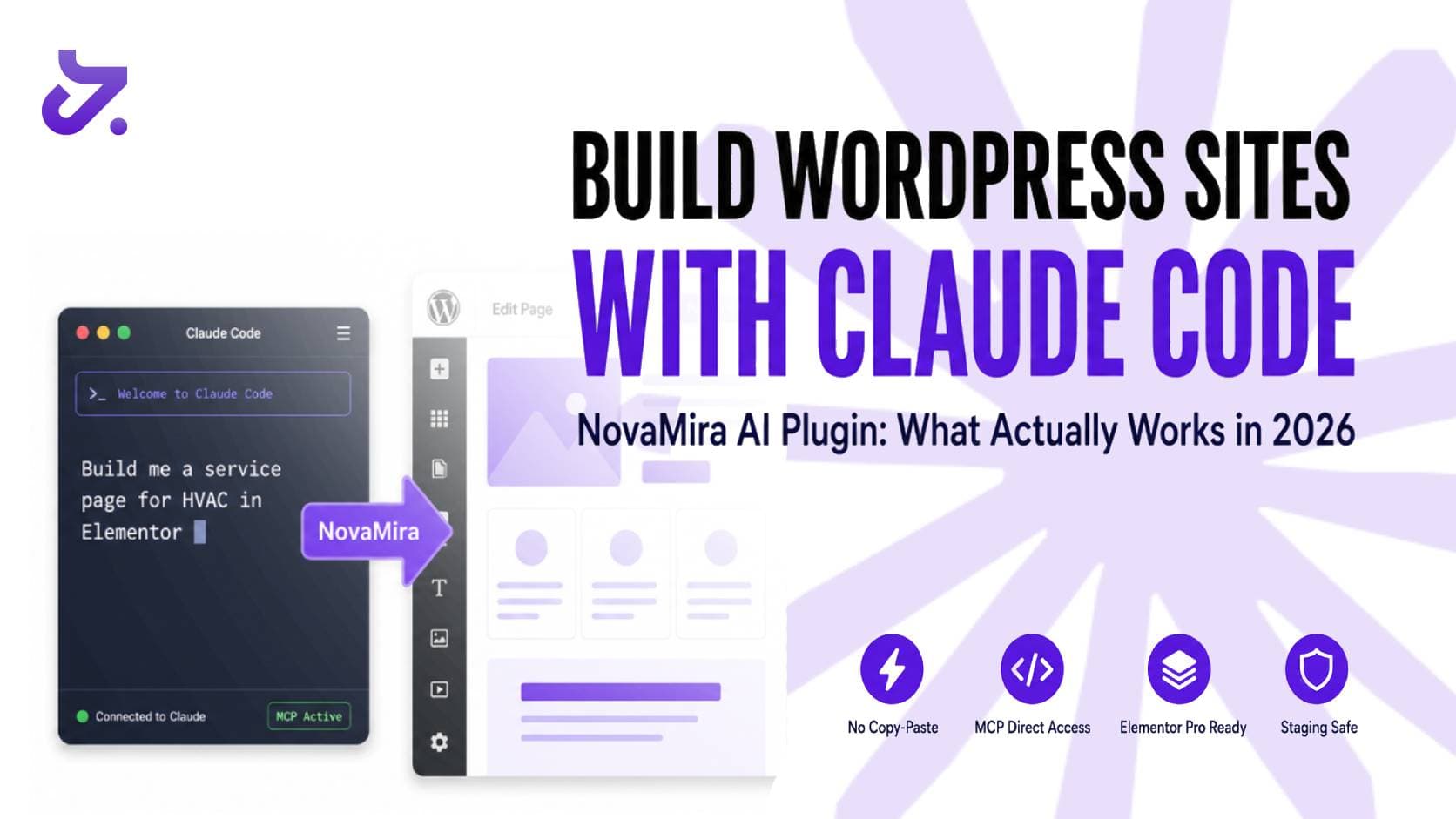
The promise sounds almost too good: describe your website to an AI, and it builds it live in WordPress, with Elementor. No copy-pasting, no export files, no intermediary steps. NovaMira, a WordPress plugin released in 2026, claims to make that happen by connecting Claude Code directly to your site via MCP (Model Context Protocol).
We installed NovaMira, connected it to Claude Code, and ran it against Elementor Pro on a staging site to see where it fits for local service business websites. Here is an honest breakdown of what actually works, what still breaks, and whether Elementor Pro or another builder gives you better results with this setup.
How We Tested NovaMira
Our setup was deliberately close to a real client build:
- Environment: a staging WordPress site with backups, never a live client site
- Plugins: the free Novamira plugin plus Novamira Pro for the Elementor abilities, running alongside Elementor Pro
- AI client: Claude Code, connected through Novamira's guided setup
- Tasks: site scaffolding, custom post types, Elementor page templates, and applying a global design system
Every change Claude made was reviewed in the WordPress admin and the Elementor editor before we judged the result.
The short answer: this is real and it works, but it is an expert multiplier, not a beginner shortcut.
What Is NovaMira and How Does It Work
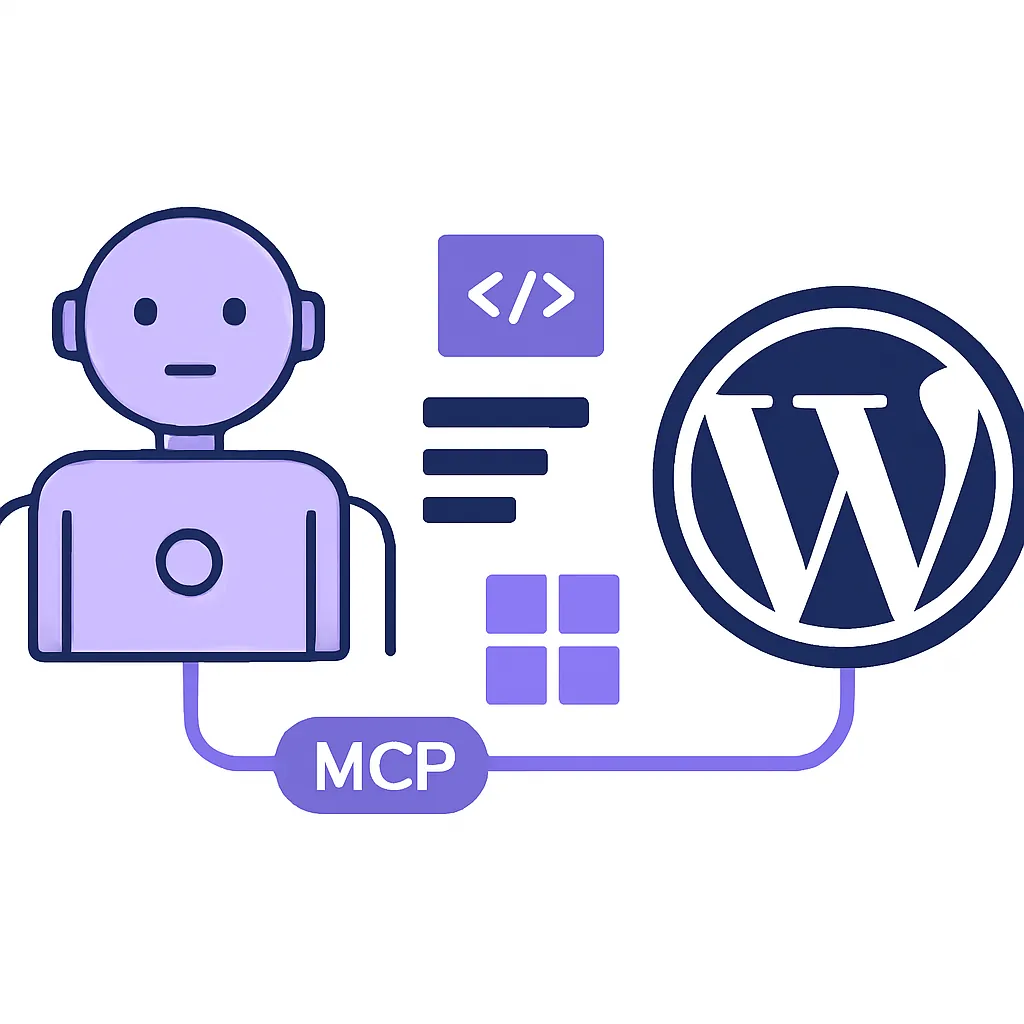
NovaMira is a WordPress plugin that turns your WordPress installation into a Model Context Protocol server. MCP is an open standard that allows AI agents to connect to external tools and take real actions. Not generate text for you to paste, but actually execute code, query databases, modify files, and deploy changes to your environment.
When NovaMira is installed, Claude Code gains direct access to your WordPress site at the PHP runtime level. That means Claude can:
- Create and configure pages, posts, and custom post types
- Install and activate plugins from a list you provide
- Query and write to your WordPress database
- Read and modify theme files
- Build Elementor layouts by writing structured JSON data directly
Setup is two steps: install and activate the plugin, enable AI Abilities in WordPress settings, paste the setup prompt NovaMira provides into Claude Code. The MCP configuration file is generated automatically.
This is meaningfully different from using Claude to write code you then copy-paste. NovaMira eliminates that entire step: Claude acts on your site directly. If you have been following how Claude is changing local business operations in 2026, this plugin is one of the most concrete examples of that shift becoming real inside a mainstream CMS.
The Claude Code → Elementor Pipeline
The workflow when targeting an Elementor Pro site looks like this:
- You describe the page or section to Claude Code
- Claude reads your existing Elementor data from the database
- Claude builds new layouts by writing Elementor-compatible JSON structures
- Changes appear live in your staging or development environment
The critical word in step 4 is staging. NovaMira is built for development and staging sites only. This is intentional: you review and approve before pushing anything live. That constraint is a safety feature, not a flaw.
For Elementor Pro specifically, Claude can:
- Create sections, columns, and widgets
- Build Theme Builder templates with dynamic field connections
- Apply your global color palette and typography system-wide
- Generate custom Elementor widgets for content types that don't exist natively
- Install and configure companion plugins like ACF or Meta Box automatically
NovaMira was built by the team behind Dynamic Content for Elementor, one of the most widely used Elementor extension libraries. That gives their Elementor integration real depth. They understand the data structure at a level most MCP plugins do not.

What Works Well
In our testing, and in what other developers report from real projects, these tasks consistently deliver strong results:
Site scaffolding from scratch. Claude can set up an entire fresh WordPress installation from a single prompt: remove default content, create pages, configure reading settings, set permalinks, install required plugins. Tasks that require 15-20 clicks across multiple admin screens happen in under a minute.
Custom post type architecture. Claude excels at building the data model for complex sites. Brief it on a real estate listings project or a contractor portfolio and it will create the custom post types, define field structures, set up relationships between entities, and populate dummy data for testing. In one documented case, it built a full property-to-agent relationship structure on a real estate site without a single click in the WordPress admin.
Elementor template generation. For standard layouts (hero section, features grid, testimonials, pricing table, service area pages) Claude produces results that are usable with minor refinement. It can reference a URL and replicate a layout with reasonable accuracy.
Plugin management. Give Claude a list of plugins and it installs and configures them automatically. For web designers building multiple similar sites, this alone justifies the setup overhead.
Design system application. NovaMira Pro can apply your global colors and typography system-wide programmatically, with no widget-by-widget updates and no missed elements. This is particularly useful for home services sites with strict brand guidelines.
What Doesn't Work (Read This Before You Commit)
The limitations matter more than the feature list if you are deciding whether to put this in a client workflow.
Not beginner-friendly. NovaMira requires a solid understanding of WordPress, Elementor, and AI prompting. If you do not know what ACF is or what a custom post type does, Claude's output will not make sense and you will not know how to correct it. This tool amplifies existing WordPress knowledge, it does not replace it.
Complex layouts require skill files. The most consistent results come when you provide Claude with detailed instruction documents called "skill files" that define your design system: which global color names to use, spacing rules, which Elementor widgets map to which content types, and how your typography styles are named. Without these, Claude hardcodes hex values, ignores your global styles, and produces layouts that technically work but break your brand on every page.
ACF integration needs iteration. We and other developers consistently find ACF (Advanced Custom Fields) as the weak point in the pipeline. Claude often misses ACF relationship requirements on the first pass and needs corrective prompts. Budget for at least two or three iteration rounds on any post that involves dynamic field connections.
Token consumption is real. Complex site builds drain Claude credits quickly. Running a full Elementor site through Claude Opus on a tight AI budget is expensive. The practical approach: use Claude Sonnet for content creation, plugin management, and simple layouts; use Claude Opus for complex post type architecture and dynamic template work.
Custom PHP widgets do not transfer. Custom Elementor widgets generated via PHP are sandboxed to the site where they were created. If you build a client site and want to reuse a custom widget on the next project, you have to rebuild it. They are not portable.
What Works Better: Elementor vs. Other Builders
| Builder | NovaMira Support | Best For |
|---|---|---|
| Elementor Pro | Strong (team background) | Dynamic templates, local service sites |
| Bricks Builder | Strong (feature parity) | Developer-first builds, performance |
| Divi | Supported | Standard marketing sites |
| WooCommerce | Supported | Ecommerce |
| Beaver Builder | Supported | Simpler builds, easier learning curve |
Elementor vs. Bricks with NovaMira: NovaMira offers near feature parity between the two. The choice comes down to your existing workflow, not NovaMira's limitations.
For local service businesses specifically, Elementor Pro wins. The combination of Theme Builder for service area pages, dynamic templates for Google Business Profile-connected pages, and the existing Elementor ecosystem (widgets, extensions, WooCommerce integration) makes it the more practical choice for garage door, HVAC, locksmith, plumbing, and landscaping sites.
Bricks Builder is the better call for developer-first projects where you want maximum CSS control and performance scores above 95. If your client is a home services company and SEO is the goal, Elementor Pro's dynamic content capabilities combined with NovaMira's field connection features will produce more value for that specific audience.
Who Should Use This, and Who Shouldn't
This is right for you if:
- You already build WordPress sites professionally and understand the stack
- You run multiple similar site builds and want to automate the repetitive scaffolding
- You have a staging environment ready and a deployment workflow in place
- You are already using Claude Code for other development work
Skip it for now if:
- You have never built a WordPress site before
- You need to deploy to a live site immediately (staging-only is a hard constraint)
- Your AI credit budget is tight and you expect a set-it-and-forget-it tool
- Your client expects pixel-perfect output with zero review pass from you
For local service business owners who need a professional website that ranks locally, the honest answer is: let an expert handle the WordPress side and use the AI output time for something closer to your actual business. Our web design and development services for local businesses exist specifically for this situation.
Want an AI-assisted WordPress build?
We build WordPress and Elementor sites with AI tools where they genuinely speed things up, and a developer reviews every change before it goes live. You get the speed without the cleanup.
Setup Checklist: Claude Code + NovaMira + Elementor Pro
- Set up a local or staging WordPress environment (WordPress Studio, Local by Flywheel, or a staging subdomain)
- Download NovaMira from novamira.ai (it is not in the WordPress plugin repository)
- Install and activate the plugin, then enable AI Abilities in WordPress settings
- Generate an application password in NovaMira settings
- Paste the setup prompt into Claude Code, which auto-generates your
.mcp.jsonconfig - Create a skill file for your project before doing any layout work: define your global color names, typography settings, and Elementor widget preferences
- Start with scaffolding prompts before layout prompts: build the data structure first, then the templates
- Review every Elementor layout pass before iterating, and give Claude specific corrective feedback on design system violations
- Test with a simple page first to confirm the MCP connection before attempting full site builds
- Deploy to production only after manual review of all Claude-generated elements
If you need custom AI-powered web application development beyond what NovaMira handles, that requires a different conversation. Still, NovaMira is a strong entry point for getting AI into a standard WordPress workflow.
Frequently Asked Questions
How do I connect NovaMira to Claude?
Install the free Novamira plugin from novamira.ai on a local or staging WordPress site, activate it, and turn on AI Abilities in its settings. Then open Novamira, Configuration in your WordPress admin and connect your client. Claude Code and Claude Desktop both have a guided setup that authenticates with OAuth or a WordPress Application Password. If you manage several sites, the free Novamira HQ desktop app gives Claude one connection to all of them. Confirm the connection with a small task, such as creating a draft page, before you ask for a full build.
Is NovaMira free?
Yes. The core Novamira plugin is free and open source, with no site limit. Novamira Pro adds the builder-specific abilities for Elementor, Bricks, Divi and ACF, plus memory, and costs €69 per year for 3 sites, €149 per year for up to 1,000 sites, or €299 one time for an agency lifetime license (prices as of October 2026). Novamira does not charge per action or per page, but your Claude subscription or API usage is billed separately by Anthropic.
Does NovaMira work with Elementor Pro?
Yes. Novamira runs inside WordPress at the PHP level, so it can work with everything Elementor Pro adds, including Theme Builder templates and dynamic tags. The Elementor-specific abilities (building pages from a description, v3 to v4 atomic widget migration, global classes and variables) are part of Novamira Pro, which is a separate purchase from Elementor Pro. Edits are saved as drafts so you can review them before publishing. Free Elementor works too, but Elementor Pro's Theme Builder is what makes the setup valuable for service-area page templates.
Does NovaMira work with Claude Code or only Claude Desktop?
Both. NovaMira works with any MCP-compatible client, including Claude Code, Claude Desktop, ChatGPT, Codex, Cursor, VS Code with Copilot, Windsurf and Zed. Your choice of client does not change what NovaMira can do.
Can Claude build an entire WordPress website from scratch with this?
Yes, but expect a collaborative process rather than a fully automated one. Claude handles scaffolding, post type architecture, and layout generation well. You provide corrective feedback on design details and review all output before it goes live.
Is NovaMira safe to use on a live website?
No. Novamira is built for development and staging sites with backups, and its own documentation says so. Claude gets full PHP-level access to whatever site it is connected to, including the database. Build on staging, review the result, then deploy.
What AI model produces the best results?
The larger Claude Opus models deliver the most reliable results for complex architecture. Claude Sonnet handles simpler layouts and content tasks at lower cost. Using Sonnet for routine work and Opus for complex post type or template work is the cost-effective approach.
Can a small business owner without technical skills use this?
Not effectively. You need to understand WordPress fundamentals (plugins, themes, custom post types, page builders) to interpret and correct Claude's output. This is a tool for people who already know WordPress, not a replacement for that knowledge. If you would rather have the site built for you, see our WordPress development service.
Warning Signs and Best Practices
Watch for these problems during a NovaMira + Claude build:
- Claude ignores your global styles → your skill file does not define your design system clearly enough; add specific global color names and typography labels
- Claude hardcodes hex values → correct immediately and add the correct global variable to your skill file before the next prompt
- ACF fields are not connecting to Elementor widgets → verify field connections after every template creation pass; never assume Claude caught it the first time
- Token usage spikes unexpectedly → break large tasks into smaller sequential steps; one complex prompt costs far more than three simple ones
- Claude starts hallucinating widget names → save your progress, end the conversation, and restart with a fresh context; long conversations degrade output quality
Harden your workflow against these problems:
- Keep a separate skill file for each recurring site type (home services, real estate, restaurant, law firm)
- Always start from a clean WordPress installation. Messy databases cause more errors
- Use version control on your site's filesystem before connecting Claude
- Document what Claude builds as it builds it, because self-documentation inside the conversation context degrades over time
Need a local service business website that actually converts visitors into calls?
At jcerme.com, we build Elementor Pro websites specifically for home services companies: garage door, locksmith, HVAC, plumbing, landscaping, general contractors. We integrate AI tools where they genuinely help and apply specialist judgment where they still fall short. The result is a site that ranks locally, loads fast, and turns traffic into booked jobs.
What we offer:
- AI-assisted WordPress and Elementor Pro development
- Elementor Pro websites built for local SEO from the first page
- Google Business Profile optimization paired with your site
- Ongoing website maintenance and support, with no abandoned projects
- AI-assisted development for faster timelines without sacrificing quality
Every week without a high-performing site is a week your competitor gets those calls instead.
Sources
- Novamira Pro pricing (Novamira)
- Novamira Pro for Elementor (Novamira)
- NovaMira: Give AI Full Access to WordPress (NovaMira)
- How I Built INSANE WordPress Websites In 20 Minutes (Claude Code) (YouTube)
- Novamira Pro Review: AI-Powered Elementor Automation (WPWhichPlugin)
- Claude AI + Elementor Integration: Setup Guide and Testing Results (WPWhichPlugin)
- Build a WordPress Site with AI: Novamira MCP + Bricks Builder (Daveden)
- Novamira: Give Your AI Agent Full Access to WordPress (Dynamic.ooo)
- How to Build a Website with AI: Complete Guide for 2026 (Elementor)