Google Business Profile Suspended: The Complete Reinstatement Guide

Founder, JCerme Software Solutions
- Published
- Updated
- Reading time
- 8 min read
Quick answer
How do you get a suspended Google Business Profile reinstated?
Fix the cause before you appeal. Confirm whether the profile or the whole Google Account is restricted, correct anything that breaks Google's guidelines, then file one appeal in the Business Profile appeals tool with documents that match the profile's name and address. In the cases we handle, single profiles usually resolve in 3 to 14 business days.
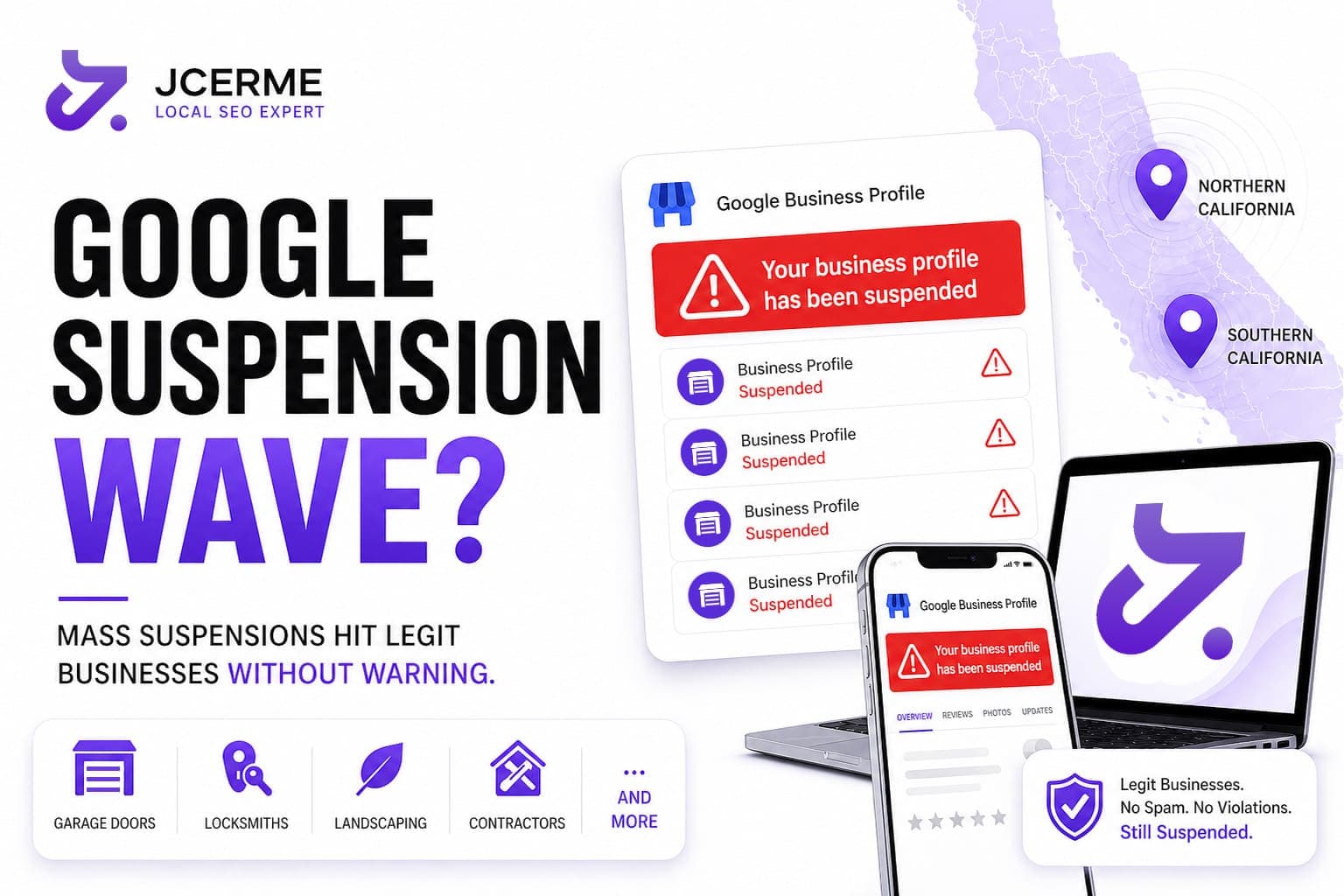
A suspended Google Business Profile drops out of Maps and Search, or shows as suspended in your dashboard, and the calls stop. Most owners react fast. They edit the profile, open a new one, or file an appeal the same afternoon. Those moves usually make the case slower, because Google reviews every appeal against its own guidelines. An appeal filed before the cause is fixed tends to come back denied.
This guide follows the order we use on every case in our Google Business Profile suspension appeal service: find what was suspended, fix the cause, build the evidence, file one appeal, and escalate only if it is denied. Every rule quoted below links to Google's own help pages.
Step 1: Find out what was suspended
Three different problems look alike from the outside. A single profile can be suspended. The whole Google Account can be restricted. Or Google can simply ask you to verify again. Each one has a different fix, and appealing the wrong thing costs you a week or more.
Start in Business Profile Manager and the Business Profile appeals tool. According to Google's suspension help page, the appeals tool shows the restricted profile, the reason for the moderation action and a link to the policy it broke. Write down the exact wording and the date before you change anything.
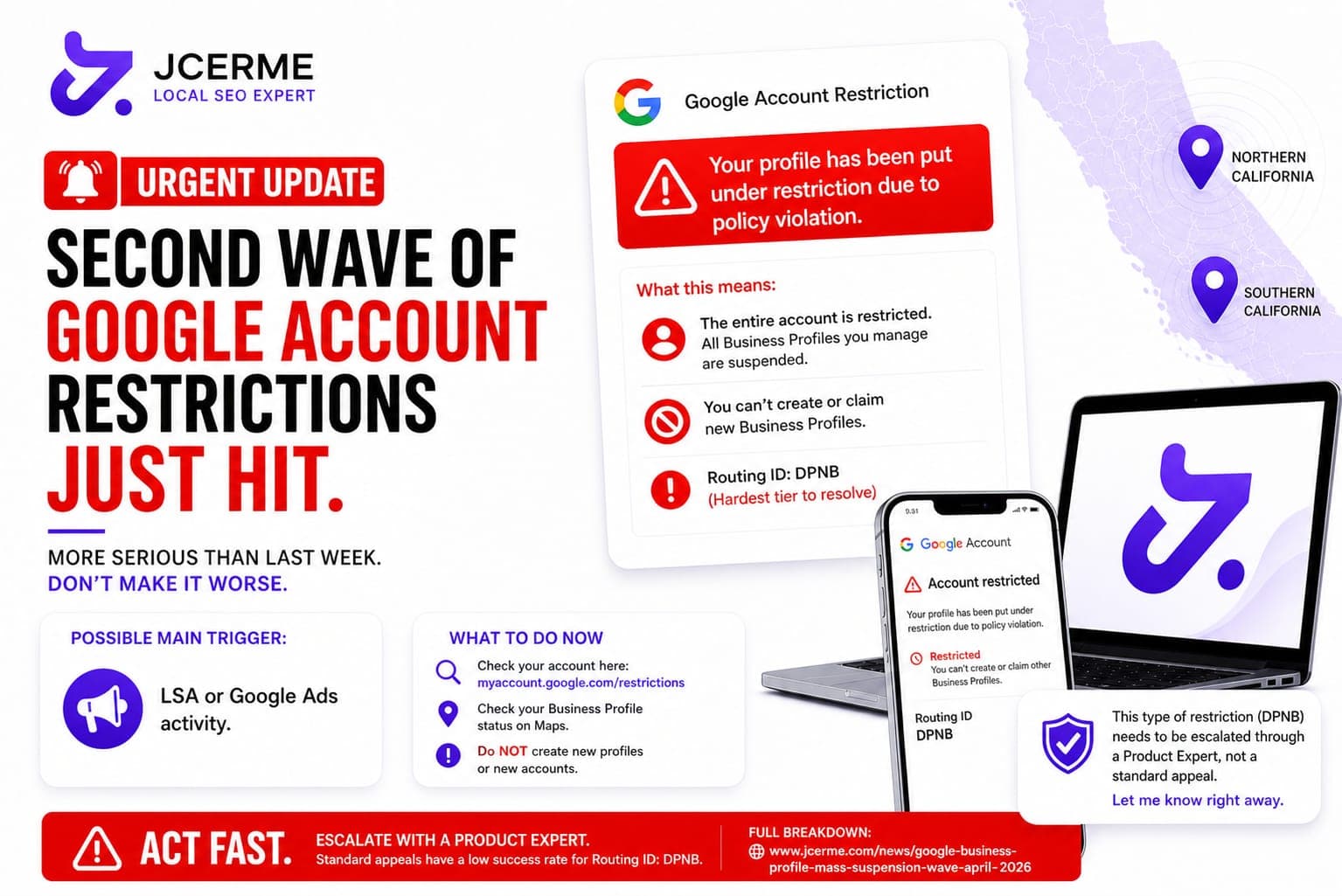
If every profile on the account went down at once, look at the account first. Google's policy overview says that when an account is restricted, all Business Profiles associated with it are suspended. A restriction on another Google product account, such as Google Ads, can also suspend a profile created from that account. Account-level cases often carry the support code Routing ID DPNB, which has its own step-by-step Routing ID DPNB guide.
| What you see | What it usually means | Where you fix it | Typical time |
|---|---|---|---|
| One profile shows Suspended | That profile broke a guideline or was caught in an enforcement sweep | The Business Profile appeals tool | 3 to 14 business days |
| Every profile on the account is suspended | The Google Account is restricted, often with Routing ID DPNB | Appeal the account restriction first, then each profile | 3 to 6 weeks |
| The profile is gone and you cannot act on it | The profile was disabled or removed | The Business Profile appeals tool, with evidence | 3 to 14 business days |
| A Get verified button appears again | Google could not fully verify the business, often after an edit | Re-verify from the profile | Up to 5 business days for the review |
The appeal times in this table reflect the cases we handle, because Google does not publish targets for appeals. The verification review time comes from Google's verification help page. For a longer breakdown of every type, see our reference table of Google Business Profile suspension types.
Step 2: Fix the cause before you appeal
Google suspends profiles that do not follow its guidelines for representing your business. An appeal asks a reviewer to look again, so the profile has to be compliant at the moment they open it. These are the causes we see most often, with the rule each one breaks.
- Extra words in the business name. The name must match the real-world name on your signage, website and stationery. Taglines, service keywords, locations, phone numbers and store codes are not allowed, and Google says unnecessary information in the name can lead to suspension.
- An address Google will not accept. Google's policy overview says a P.O. box address leads to suspension. Virtual offices are not eligible. A coworking desk only qualifies with permanent signage, your own staff on site and customers received during business hours.
- A service-area business showing its address. If you do not serve customers at your address, Google wants the address hidden and a service area set instead. A plumber working from home is Google's own example.
- Duplicate profiles. Google allows one profile per business at each location. Old duplicates created by a past agency or a previous owner count against you.
- A business type Google does not allow. Lead generation companies, online-only businesses and rental properties are not eligible for a profile at all.
- Phone numbers you do not control. The number must be under the direct control of the business. Numbers that send callers to another business or a referral service, and premium-rate numbers, break the rules.
- Big changes in a short window. Significant edits to the name or category look like an identity change, and Google may reject them. A burst of edits right before a suspension is a pattern we see often.
- Review manipulation. Paying for reviews, offering discounts for them, or asking only happy customers to post all break the Maps content policy.
Fix every item that applies, then stop editing. Google notes that changes to business information can trigger re-verification, so make the corrections once and leave the profile alone until the decision arrives.
Step 3: Build an evidence pack Google can match
Google's appeal page lists the documents that strengthen an appeal: an official business registration, a business license, tax certificates and utility bills for electricity, phone, water or internet. It also gives the rule that decides most cases. The business name and address on every document must match the profile you are appealing.
| Document | What it proves | Mistake that weakens it |
|---|---|---|
| Business registration | The business legally exists under this name | The registered name differs from the profile name |
| Business or contractor license | You are allowed to work in this trade and area | An expired license, or one held by a different entity |
| Tax certificate | The business is registered with tax authorities | Personal tax papers instead of business ones |
| Utility bill for electricity, phone, water or internet | The business operates at the listed address | A bill addressed to a person or to another address |
| Photos of signage, branded vehicles or equipment | The business is real and active | Stock images, or photos with no visible business name |
The last row is our addition, not part of Google's list. For service-area businesses without a storefront, photos of branded vehicles and tools help show the business is real. They are the same things Google asks to see during video verification.
Prepare every file before you open the form. Google says the evidence form must be submitted within 60 minutes of opening it, or the files will not be attached to your appeal.
Step 4: File one appeal
With the profile fixed and the files ready, the appeal itself takes a few minutes. This is the process Google describes:
- Open the Business Profile appeals tool while signed in to the Google Account that manages the profile.
- Select the profile you want to appeal, then select Continue.
- Read the reason and the linked policy, then select Submit Appeal.
- When the prompt appears, select Add evidence, upload your documents and select Submit.
- Wait for the decision by email. The tool shows the status as Submitted, Approved, Not Approved, Can't be appealed or Eligible for appeal.
Keep the written statement short and factual: who you are, what you provide, where you serve customers and what you corrected. Do not argue that competitors break the rules. Do not create a new profile for the same business while the appeal is open, because Google warns against it on the same page.
Two situations change the order. If the account is restricted, appeal the account first. Google only lets you clear the profile suspensions once the account restriction is lifted. If you appeal more than 10 profiles, Google asks for one spreadsheet that lists the evidence and the Business Profile ID for each profile.
Step 5: What to do if the appeal is denied
A denial is not the end of the road. Google offers an additional review of a denied request, where you can add evidence that was missing the first time. Use it once, and only with something new. Sending the same appeal again with the same files rarely changes the result.
If the additional review fails, post the case in the Google Business Profile Help Community. Product Experts there can escalate cases that are clearly legitimate. Businesses in the European Economic Area may also have extra redress options, which Google links from its appeal page.
This is the point where most owners call us. Our GBP suspension appeal and reinstatement service starts with a free case review, rebuilds the evidence pack and handles the escalation for a $1,000 flat fee.
How long reinstatement takes
Google does not publish a target time for appeals. In the cases we handle, a single profile suspension usually resolves in 3 to 14 business days. Account restrictions with Routing ID DPNB take longer, typically 3 to 6 weeks, because the account and then each profile need their own review. A denied appeal that needs escalation can take longer than both.
While you wait, keep answering the phone number on the profile and keep your website live. Google checks business information against other sources, such as user reports and licensed data, so the website should say the same thing as the profile and the documents.
How to avoid the next suspension
- Use the same name, address and phone number on the profile, the website and your registration documents.
- Choose the fewest categories that describe the core business, and never use a category as a keyword.
- Keep one profile per real location, and close profiles for locations that no longer exist.
- Make edits one at a time, and keep proof for any change of name or address.
- Ask every customer for a review the same way, through your Google review link, with no incentives.
- Watch the Google Ads account tied to the same Google Account, since a restriction there can suspend the profile.
Our Google Business Profile optimization checklist for home service businesses covers the settings that keep a profile visible and compliant at the same time.
Frequently Asked Questions
Should I create a new Google Business Profile after a suspension?
No. Google tells owners not to create a new profile for the same business while an appeal is under review. A second profile also looks like an attempt to get around enforcement, which weakens the appeal.
Can I appeal a suspension more than once?
Yes, through the additional review Google offers after a denial. Send it once, with evidence you did not include before. Repeating the same appeal with the same files rarely helps.
Which documents work best as evidence?
A business registration, a business license, a tax certificate or a utility bill, each showing the same business name and address as the profile. Upload them within 60 minutes of opening the evidence form.
How much does professional help with a suspension cost?
JCerme handles suspension appeals for a $1,000 flat fee, with a free case review before you commit. The appeal service page explains what is included and how the review works.
Sources
- Fix suspended or disabled profiles (Google Business Profile Help)
- Overview of Google Business Profile policies (Google Business Profile Help)
- Guidelines for representing your business on Google (Google Business Profile Help)
- Prohibited and restricted content (Maps User Generated Content Policy Help)
- Verify your business on Google (Google Business Profile Help)
- Google Business Profile Help Community (Google)